Chromecast 2nd Gen Outage: Users Facing 'Untrusted Device' Error
Thousands of users of Google's Chromecast (2nd Gen) and Chromecast Audio are experiencing connectivity issues. The error started appearing at 6 pm last Sunday, 09 Mar 2025. Users encounter errors when trying to cast content. The error shows a pop-up with an "Untrusted device" message, which states:
<u>"[Device name] couldn’t be verified. This could be caused by outdated device firmware."</u>
Google Phasing Out Older Chromecast Models
While Google has not officially announced the discontinuation of Chromecast (2nd Gen) or Chromecast Audio, the issue has led many users to believe that their devices are being silently phased out.
Google discontinued the Chromecast lineup in August 2024 but assured that users will still get software and security updates. However, with no immediate fix available, could this be an indication of the end for these devices?
The Cause: Expired Authentication Certificate
Reports suggest that the root cause of this outage is an expired authentication certificate, making affected devices unable to verify their connection.
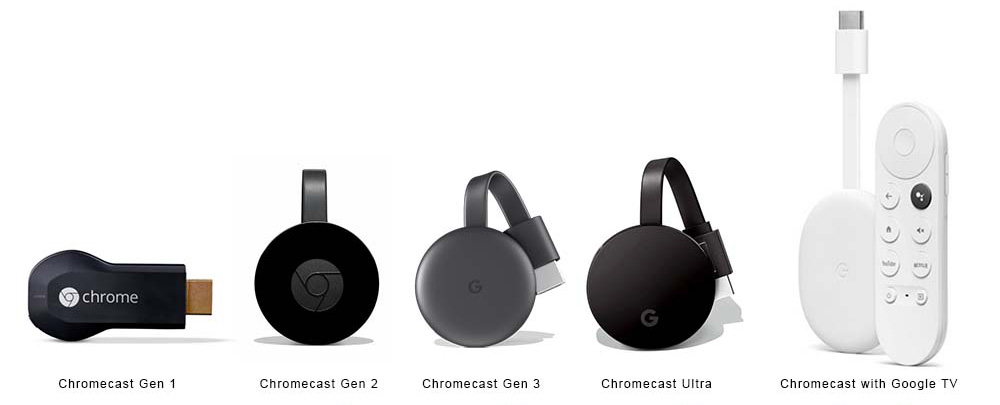
Despite the issue being global, newer Chromecast models, such as the Chromecast (3rd Gen) and Chromecast Ultra, remain unaffected.
Google's Response and Expected Fix
Google hasn't officially acknowledged the problem yet. So, there is no timeline for when the affected devices will be back online.
What Should Affected Users Do?
As of now, there are no user-side fixes available. Restarting or resetting the Chromecast does not resolve the problem. The only option is to wait for an official fix from Google.
Will you wait for Google's update, or are you considering switching to a newer streaming device? Share your thoughts in the comments!


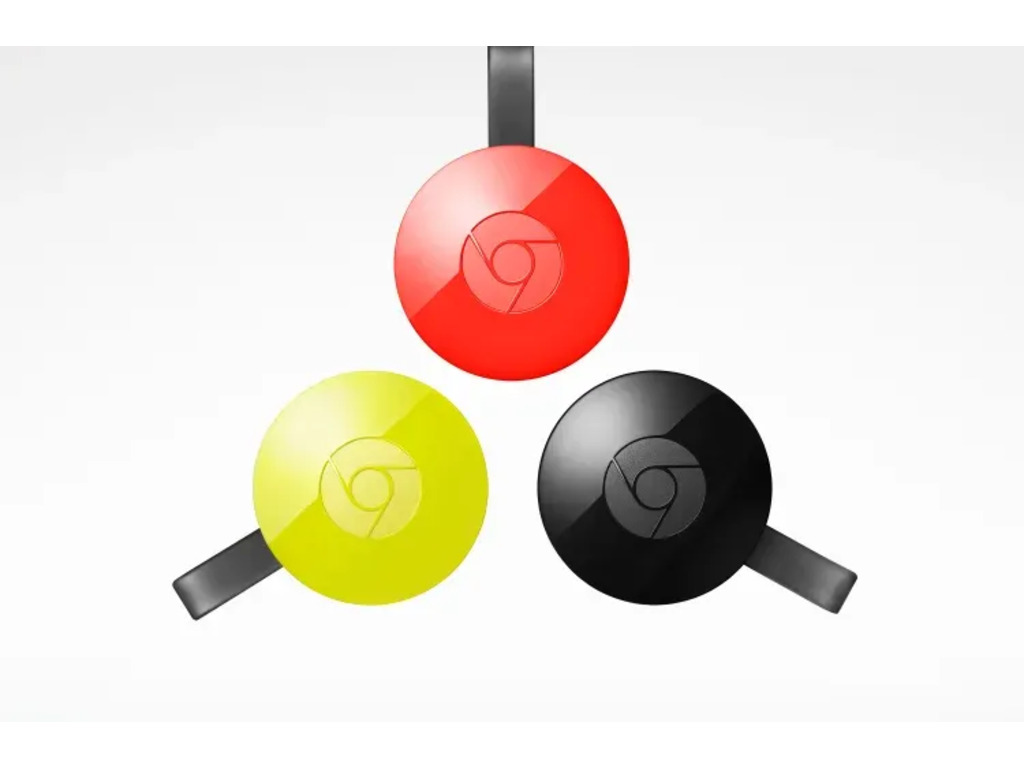
 and Chromecast Audio users face "Untrusted device" errors due to an expired authentication certificate. Is Google phasing them out?
)